

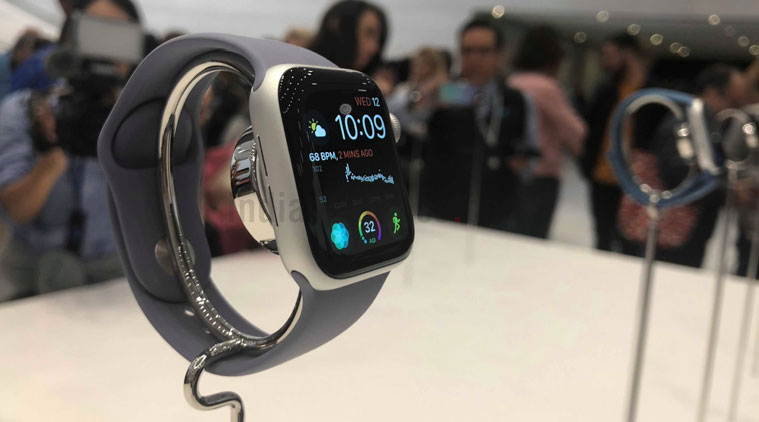
I have been using the Apple Watch Series 4 ever since it came out last month. This is my first exposure to the Apple Watch and frankly, I am still getting used to the device. A lot of features offered by Apple Watch are exemplary, but I am sure there are more hidden features you don’t know about. I have tried to find out some useful tips and tricks that will probably help you getting more from your Apple Watch.
If you are using the Apple Watch (Series 1, 2, 3 and 4) running on watchOS 5, these five tips and tricks will make the experience better. Read on.
Apple Watch tips and tricks: Activate Siri
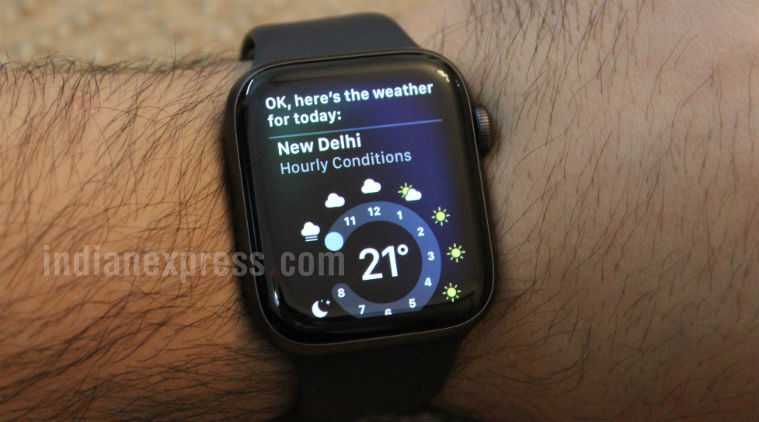 With watchOS 5, users get the ability to speak to Siri on your Apple Watch without having to press the Digital Crown.
Like your iPhone, Apple Watch too supports Siri, the voice-assistant that can perform a variety of simple tasks, like playing music, answering all your queries, weather updates, etc. Once you get used to the voice-assistant, Siri feels more natural and responsive on Apple Watch. With watchOS 5, users get the ability to speak to Siri on your Apple Watch without having to press the Digital Crown. Simply bring the Apple Watch close and start talking. The best part is that you don’t even have to say “Hey Siri” to invoke the virtual assistant. To active it, simply go to Settings>General > Siri > Raise to Speak.
Apple Watch tips and tricks: Turn on Power Reserve mode
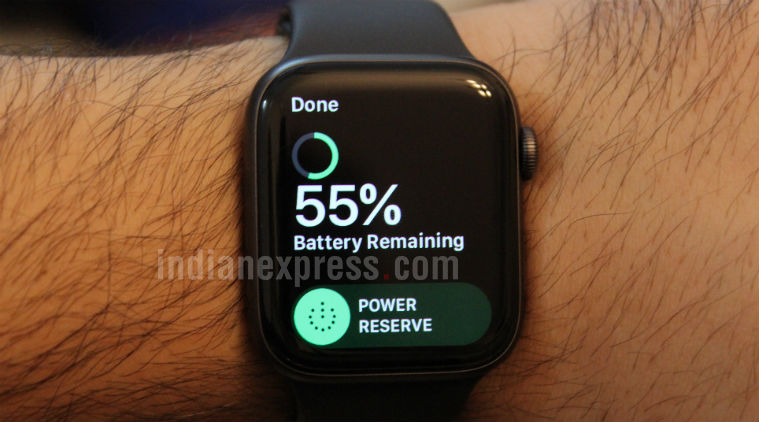 Here’s how you can enable Power Reserve mode on your Apple Watch.
Apple Watch can last a full day on a single charge. However, there are times, when the watch won’t last the entire day. In such situations, the Power Reserve mode come in rescue that is aptly designed to save the battery life.
Here’s how you can enable Power Reserve mode on your Apple Watch
Swipe up from the bottom of the screen to activate Control Center >Tap on the Battery Percentage reading >Tap the Power Reserve button> Tap Proceed.
Apple Watch tips and tricks: Mute notifications
You don’t necessarily want to be alerted to or bothered by phone calls, texts messages and other notifications during an important office meeting. Thankfully, you can disable all notifications on the Apple Watch. To do so, wake up up your watch>Swipe up to view with control center>Tap the mute button (it’s the one with the bell icon).


No comments:
Post a Comment